Product tour
See it working, screen by screen
7 walkthroughs of the parts of Real Enquiries that do the most work. Every screen is captured from a running demo of the product and refreshes automatically as the app changes.

Leads, inbox & auto-replies
Capture every enquiry in one shared, threaded inbox — tagged, assigned, and answered with a personalised auto-reply.
7 steps
Applications & AI screening
Review applications with an AI screening pass already done: household summary, affordability check, and a document-by-document cross-check.
10 steps
Public property listings
A branded public listing site for every agency — company, property and unit pages with photos, a map and an enquiry form that lands in the inbox.
8 steps
The applicant & tenant portal
A mobile-first portal for applicants and residents — guided profiles, document uploads, maintenance requests and feedback surveys.
9 steps
Maintenance requests, without the email back-and-forth
A resident reports an issue from their phone, the property manager sees it and replies from the CRM, and the resident sees that reply in the same thread — no email in between.
6 steps
Tenancies, rent reviews & documents
Turn an approved application into a tenancy, run RPZ-compliant rent reviews, send lease documents for e-signature, and see every date on one calendar.
8 steps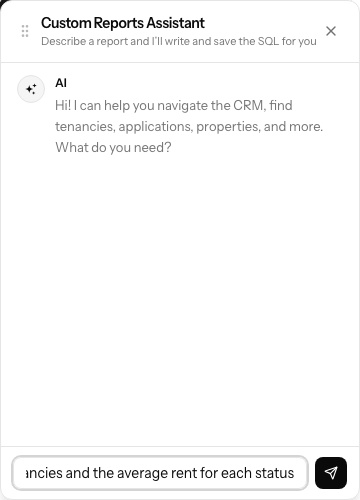
Custom Reports
Describe a report in plain English, or write the SQL yourself — it runs read-only against curated views, and any staff member can run and export a shared one.
4 stepsReady to make Real Enquiries your operating system?
Join the waiting list for pilot pricing, onboarding support and the launch-partner roadmap.